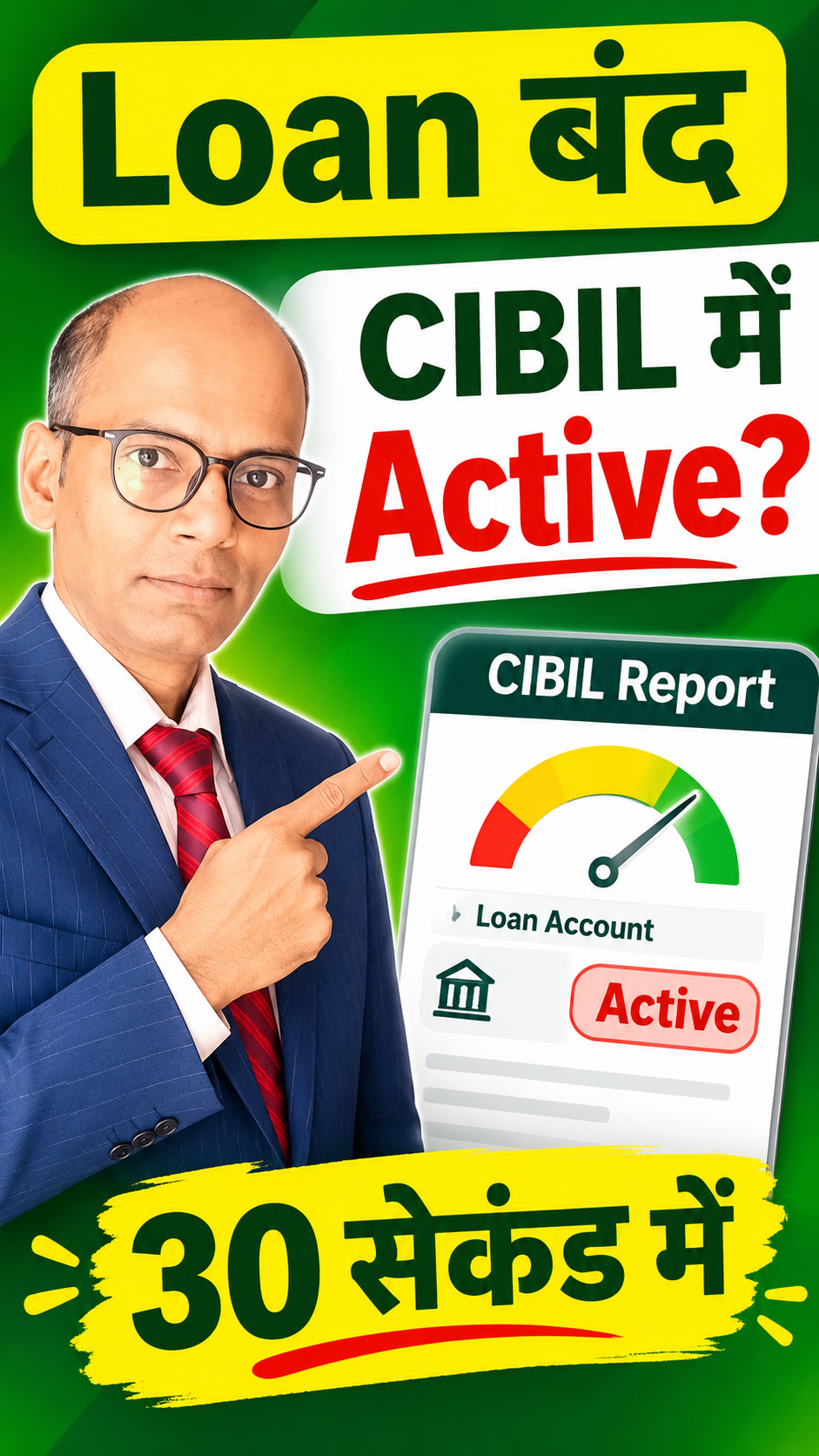
Loan बंद फिर भी CIBIL में Active? 😱 ऐसे करें Correction!
Loan बंद फिर भी CIBIL में Active? 😱 ऐसे करें Correction!
Loan बंद होने के बाद भी CIBIL Report में Active दिख रहा है? Closure Letter, Loan Account Status और Credit Report जाँचकर Lender व CIBIL में Correction Request कैसे करें, जानें।
Naveen kumar
Author
Nidhi Sharma
Reviewer
28 Oct 202629 sec
💡 Key Takeaways
- Loan बंद होने पर Closure Letter या No Dues Certificate लें।
- CIBIL Report में Account Status, Outstanding और Reporting Date मिलाएँ।
- Reporting Delay और गलत Active Status में अंतर समझें।
- गलत जानकारी पर Lender को लिखित Correction Request और CIBIL में Dispute दर्ज करें।
- Complaint Reference सुरक्षित रखें और Updated Credit Report दोबारा जाँचें।
Calculate Your Emergency Fund
Find out how much emergency money you should keep based on your monthly essential expenses.
Calculate →Returns are illustrative and not guaranteed.
Frequently Asked Questions
• Loan बंद होने के बाद भी CIBIL में Active क्यों दिखता है?
Lender की Reporting Update में समय लग सकता है या Report में पुरानी अथवा गलत जानकारी हो सकती है। Last Reported Date और Closure Proof मिलाएँ।
• CIBIL में Closed Status कराने के लिए क्या चाहिए?
Loan Closure Letter या No Dues Certificate, Loan Account Details और जरूरत पड़ने पर Final Payment Proof उपयोगी होते हैं।
• क्या सीधे CIBIL में Dispute दर्ज कर सकते हैं?
हाँ, अपनी Credit Report की गलत Entry के लिए आधिकारिक CIBIL Dispute प्रक्रिया अपनाई जा सकती है। साथ ही Lender को भी Correction Request भेजें।
Related Videos
View all videos →


Continue Reading
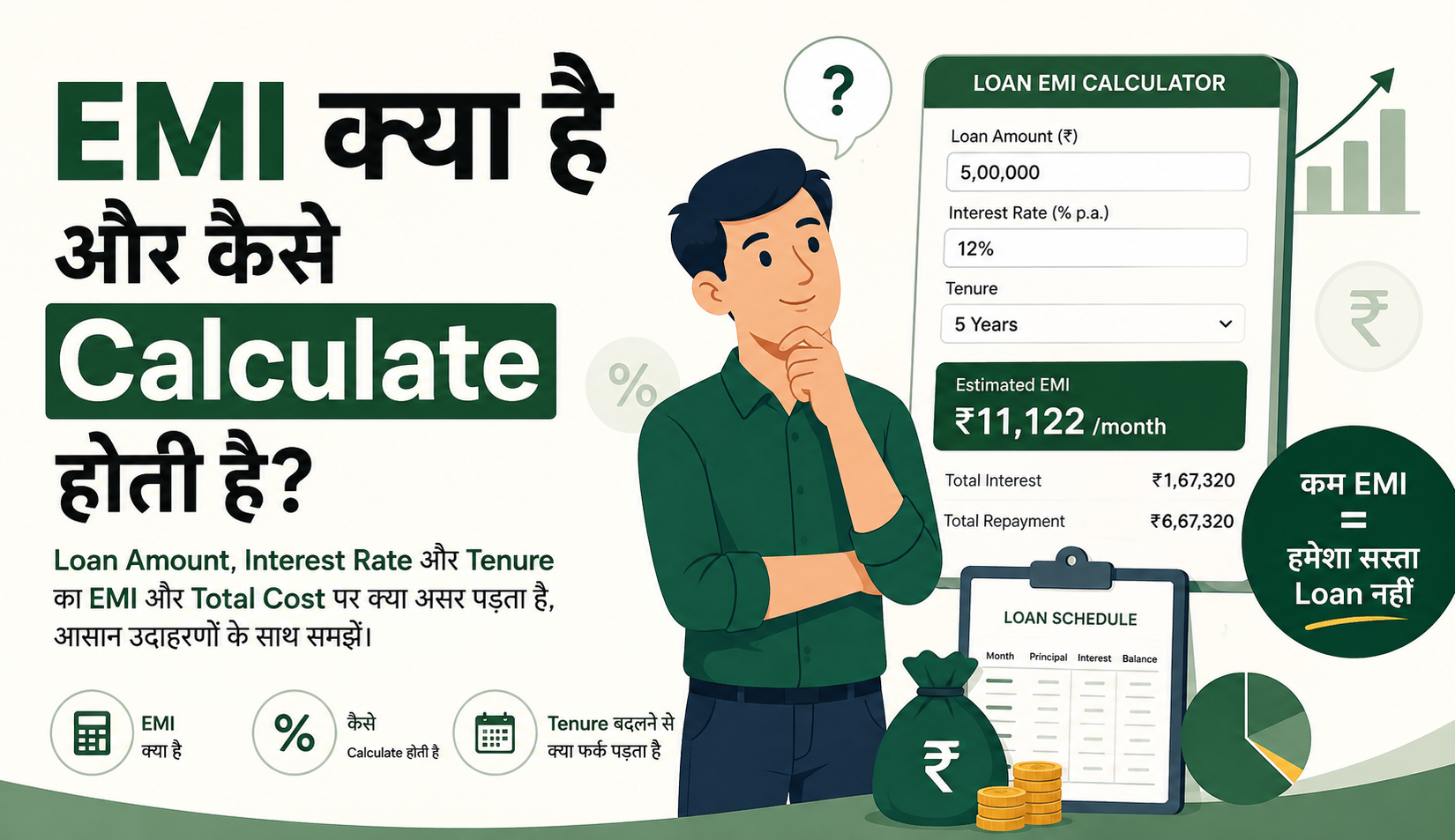
Explore Related Topics
क्या यह Video Helpful था?
आपका feedback हमें बेहतर content बनाने में मदद करता है।
Continue Learning
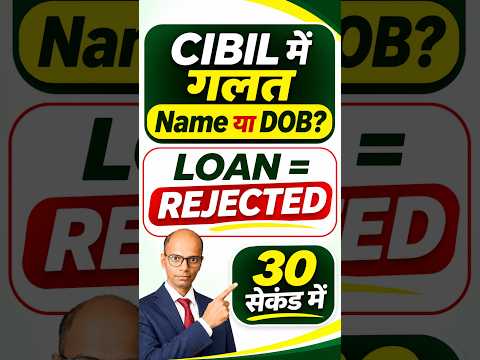
Incorrect Name or Date of Birth in CIBIL — Personal Details Correction
38 sec • Beginner • Hindi
Watch Next →Newsletter
Financial ज्ञान और updates सीधे अपने inbox में पाएं।